Factory Reset - OTPKEY
If, unfortunately, you happen to forget the passcode for your OTPKEY, the authentication keys stored on that OTPKEY cannot be recovered.
If you have backed up your authentication keys separately, you can recover them using the backup file. The backup file is encrypted and stored as a file.
This document explains how to perform a factory reset to reuse OTPKEY in case it is installed on your system and the passcode has been forgotten.
-
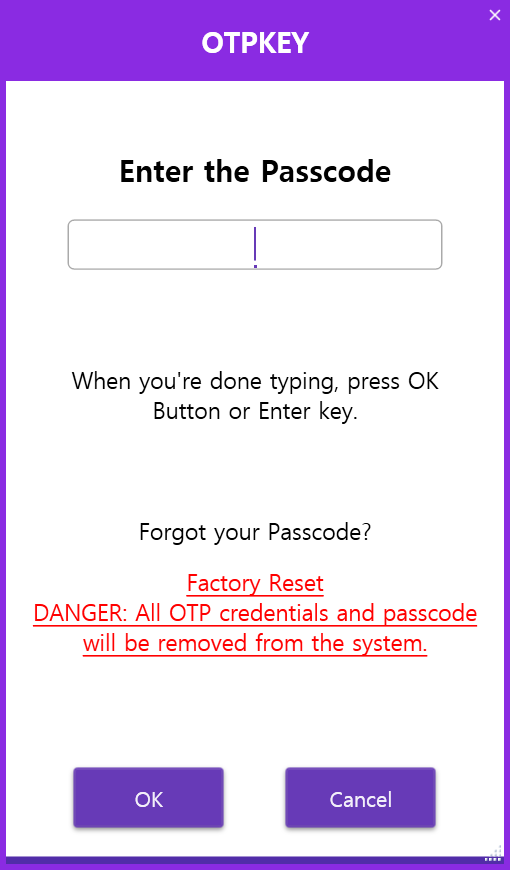
If the OTPKEY is protected by a passcode, the following window will appear:
-
Click the red text labeled "Factory Reset" at the bottom of the window.
-
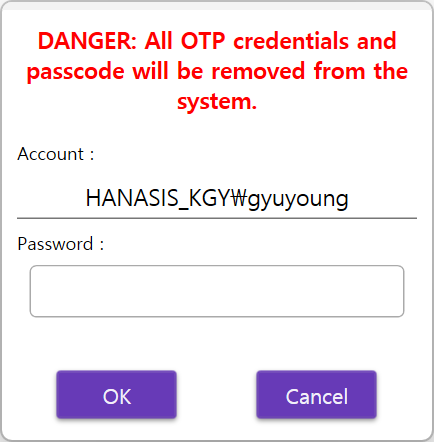
Enter the password for your Windows login account:
-
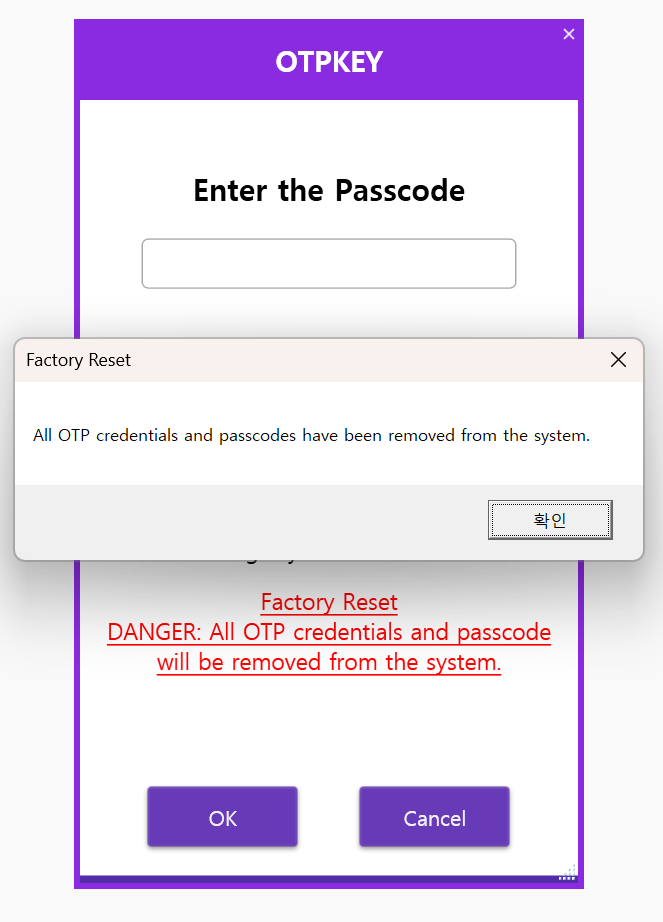
Once your Windows login is verified, all authentication keys and the passcode will be deleted from the system, and you will be able to use OTPKEY as new: